---
title: Images
description: Images include screenshots, inline images, icons, and more. Syntax for images is like the syntax for links, with the following differences: instead of...
url: https://docs-v3-preview.elastic.dev/elastic/docs-builder/pull/3809/syntax/images
products:
- Elastic Docs Builder
---
# Images
Images include screenshots, inline images, icons, and more. Syntax for images is like the syntax for links, with the following differences:
1. instead of link text, you provide an image description
2. an image description starts with ` includes an image and is used in pages that exist in different `toc.yml`, the images will break.
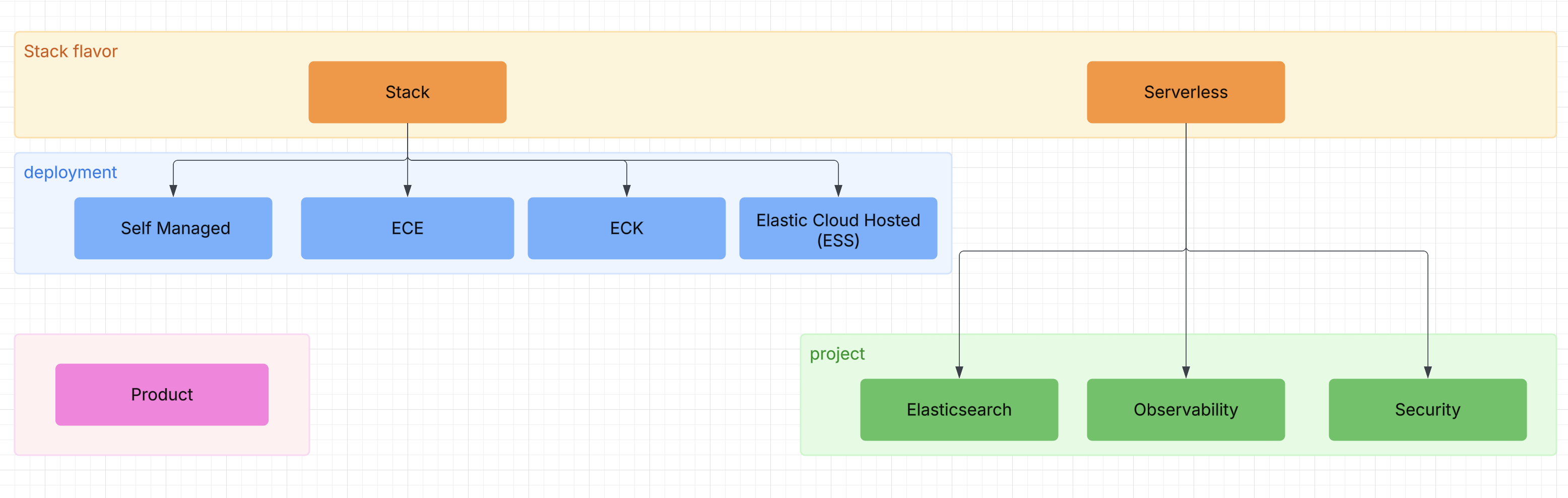
## Block-level images
```markdown

```
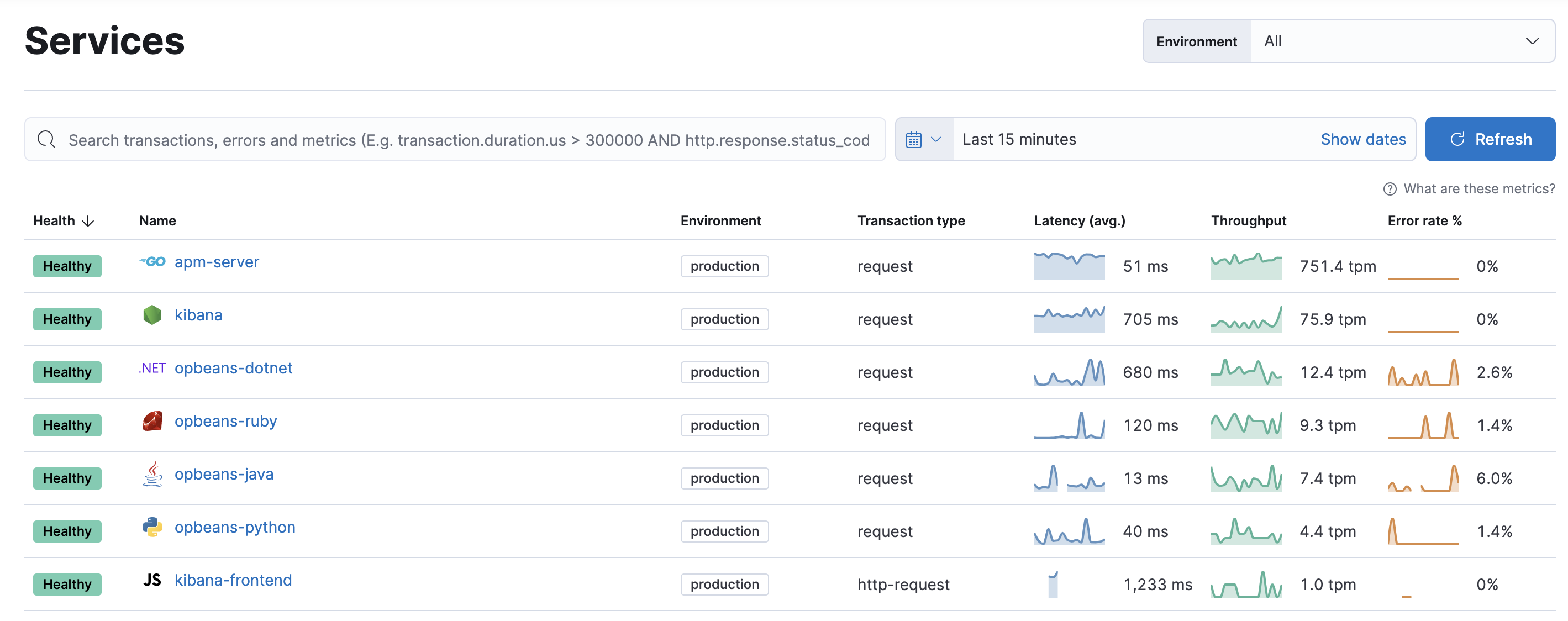
Or, use the `image` directive.
```markdown
:::{image} /syntax/images/observability.png
:alt: Elasticsearch
:width: 250px
:::
```

### Image centering
Images that are not full width are automatically centered within their container. This is particularly useful when you specify a width constraint:
```markdown
:::{image} /syntax/images/apm.png
:alt: APM Logo
:width: 400px
:::
```

The image above is centered because it has a width of 400px, which is less than the full container width.
Note that images nested within other content (like lists or admonitions) are not centered:
- First item in the list
- Second item with an image:

- Third item in the list
## Screenshots
Screenshots are images displayed with a box-shadow. Define a screenshot by adding the `:screenshot:` attribute to a block-level image directive.
```markdown
:::{image} /syntax/images/apm.png
:screenshot:
:::
```

## Inline images
```markdown
Here is the same image used inline 
```
Here is the same image used inline 
### Inline image titles
Titles are optional making this the minimal syntax required:
```markdown

```
For inline images, the alt text always overrides any title specified in the Markdown. This ensures consistent accessibility where both the `alt` and `title` attributes contain the same descriptive text.
```markdown

```

### Inline image sizing
Image sizing is specified through the title argument. You can specify just the size without needing to provide a redundant title:
```markdown


```
In this case, the alt text will be used as both the `alt` and `title` attributes, and the size parameters will be applied.
`W` and `H` can be either an absolute number in pixels or a number followed by `%` to indicate relative sizing.
If `H` is omitted `W` is used as the height as well.
```markdown


```
When specifying just the size without a title, no space is required before the `=` sign. When combining a title with sizing, a space is required before the `=`:
```markdown


```
### SVG
```markdown

```
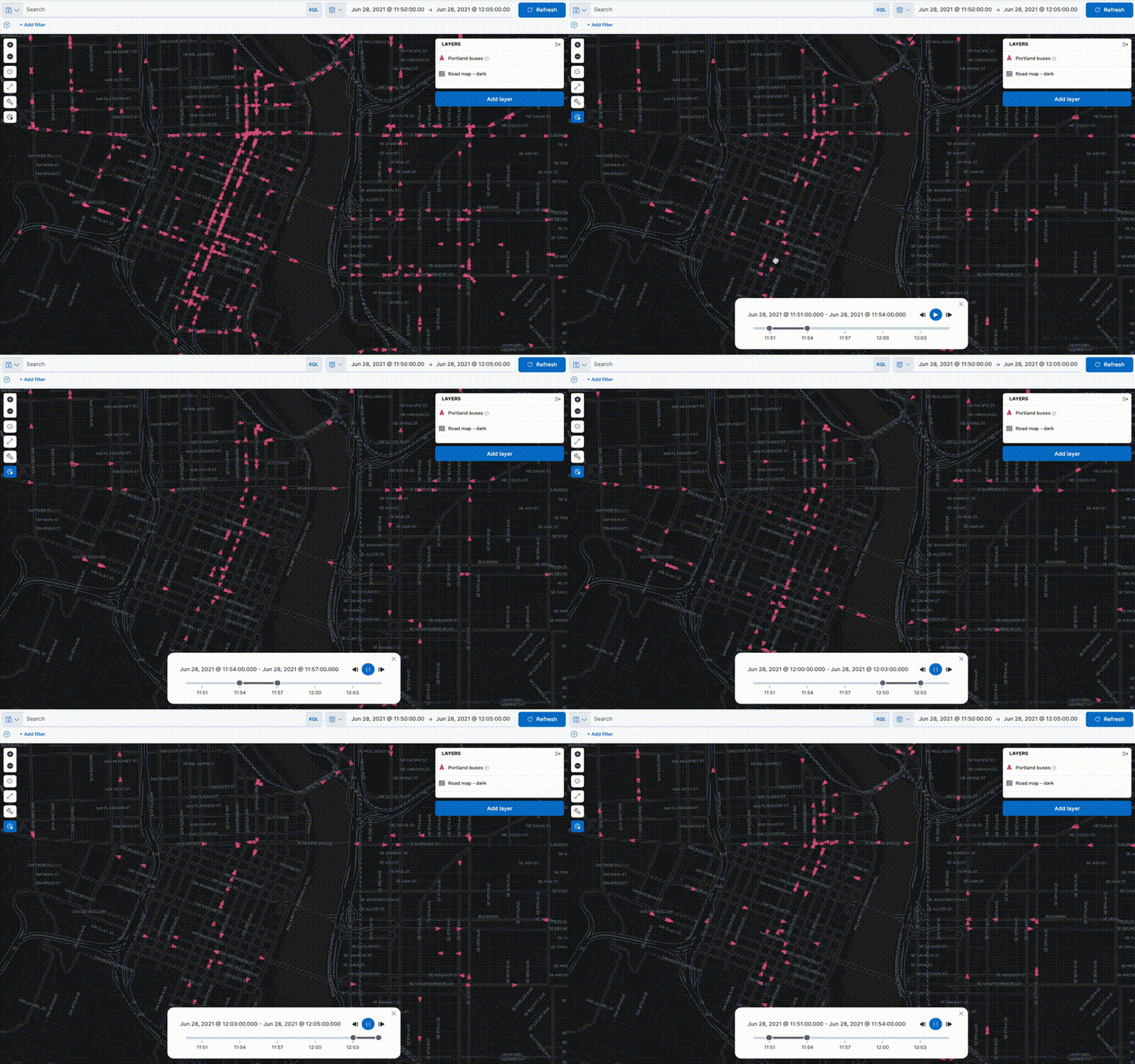
### GIF
```markdown

```
## Asciidoc syntax
```asciidoc
[role="screenshot"]
image::images/metrics-alert-filters-and-group.png[Metric threshold filter and group fields]
```
```asciidoc
image::images/synthetics-get-started-projects.png[]
```
## Image carousel
The image carousel directive builds upon the image directive.
```markdown
::::{carousel}
:id: nested-carousel-example
:max-height: small ## small, medium, none (none is default if max-height is not specified)
:::{image} images/apm.png
:alt: First image description
:title: First image title
:::
:::{image} images/applies.png
:alt: Second image description
### Title is optional - alt text will be used as title if not specified
:::
::::
```