---
title: APM Agent explorer
description: APM agent explorer provides a centralized panel to identify APM agent deployment details, like service name, environment, instances, and agent name, version,...
url: https://docs-v3-preview.elastic.dev/elastic/docs-content/pull/7986/solutions/observability/apm/apm-agent-explorer
products:
- APM
- Elastic Observability
applies_to:
- Elastic Stack: Generally available
---
# APM Agent explorer
This functionality is in beta and is subject to change. The design and code is less mature than official GA features and is being provided as-is with no warranties. Beta features are not subject to the support SLA of official GA features.
APM agent explorer provides a centralized panel to identify APM agent deployment details, like service name, environment, instances, and agent name, version, and documentation.
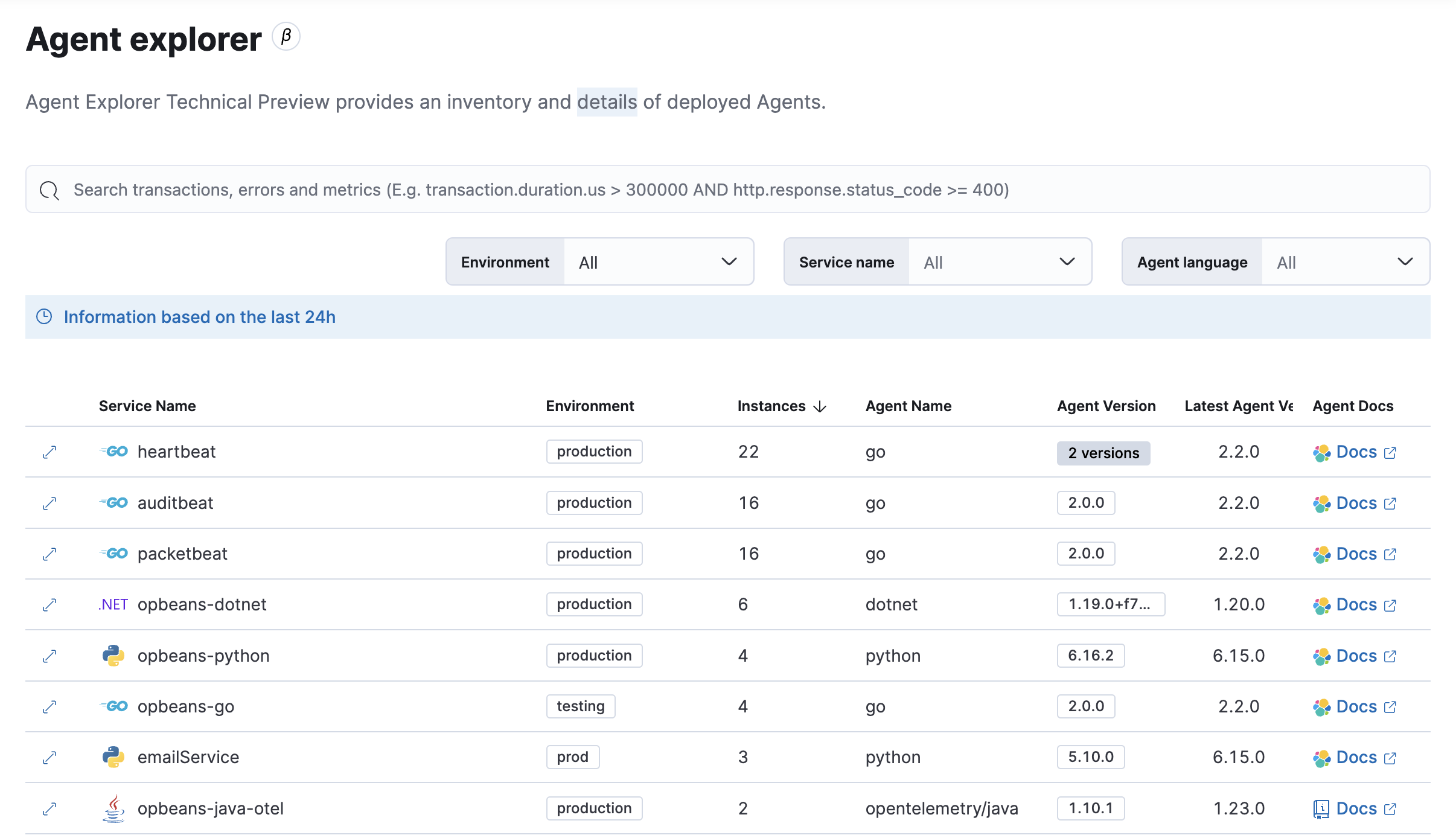
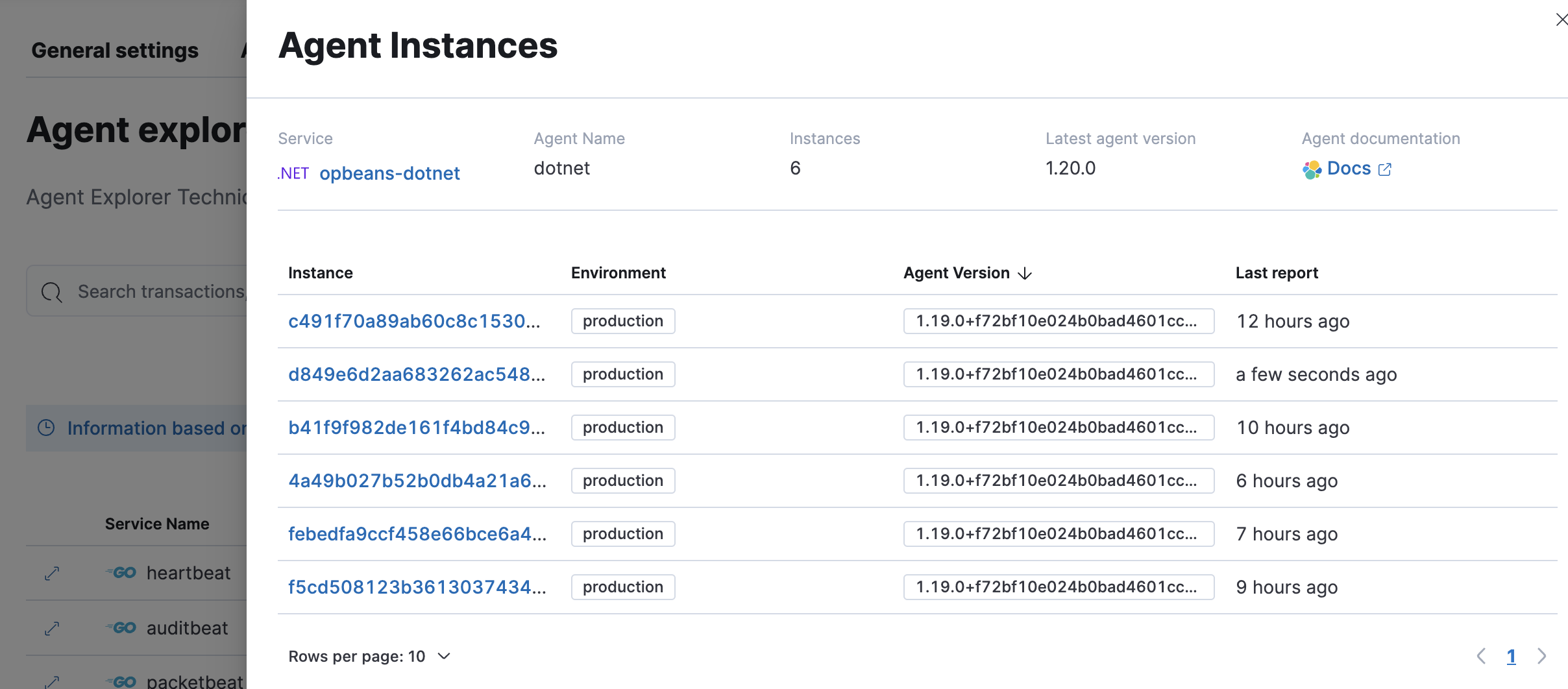
Select an APM agent to expand it and view the details of each agent instance.
## Enable APM Labs
- Elastic Stack: Removed in 9.1
APM Labs lets you try out technical preview features, including the agent explorer.
To enable APM Labs, go to **Applications** → **Settings** → **General settings** and toggle **Enable labs button in APM**. Select **Save changes** and refresh the page.
After enabling APM Labs, select **Labs** in the toolbar to see the available technical preview features.