---
title: Amazon Bedrock connector and action
description: The Amazon Bedrock connector uses axios to send a POST request to Amazon Bedrock. You can create connectors in Stack Management > Connectors. For example:...
url: https://docs-v3-preview.elastic.dev/elastic/kibana/pull/280898/reference/connectors-kibana/bedrock-action-type
products:
- Kibana
applies_to:
- Elastic Cloud Serverless: Deprecated
- Elastic Stack: Planned for deprecation
---
# Amazon Bedrock connector and action
The Amazon Bedrock connector uses [axios](https://github.com/axios/axios) to send a POST request to Amazon Bedrock.
This connector is deprecated and is being progressively removed from the create connector UI. Existing connectors and their rule actions continue to work.For new AI integrations, use Elasticsearch inference endpoints. Migrate existing LLM connectors and related rule actions before the future removal.
## Create connectors in Kibana
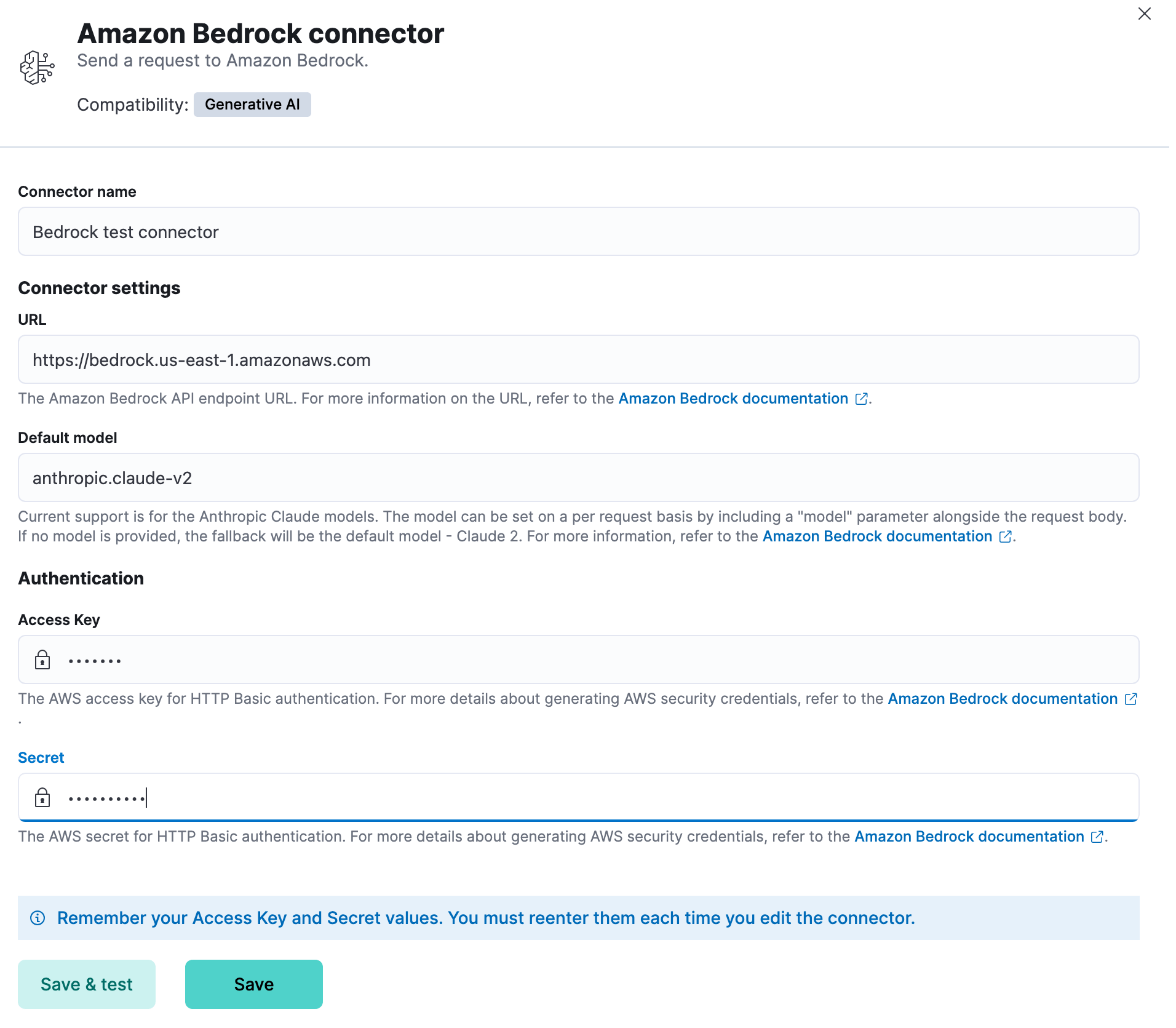
You can create connectors in **Stack Management > Connectors**. For example:
### Connector configuration
Amazon Bedrock connectors have the following configuration properties:
The name of the connector.
The Amazon Bedrock request URL.
(Optional) The AWS region used for request signing. Required when using a custom endpoint URL that does not include the region in the hostname (for example, `us-east-1`).
The GAI model for Amazon Bedrock to use. Current support is for the Anthropic Claude models, defaulting to Claude 2. The model can be set on a per request basis by including a "model" parameter alongside the request body.
The AWS access key for authentication.
The secret for authentication.
## Test connectors
You can test connectors as you’re creating or editing the connector in Kibana. For example:
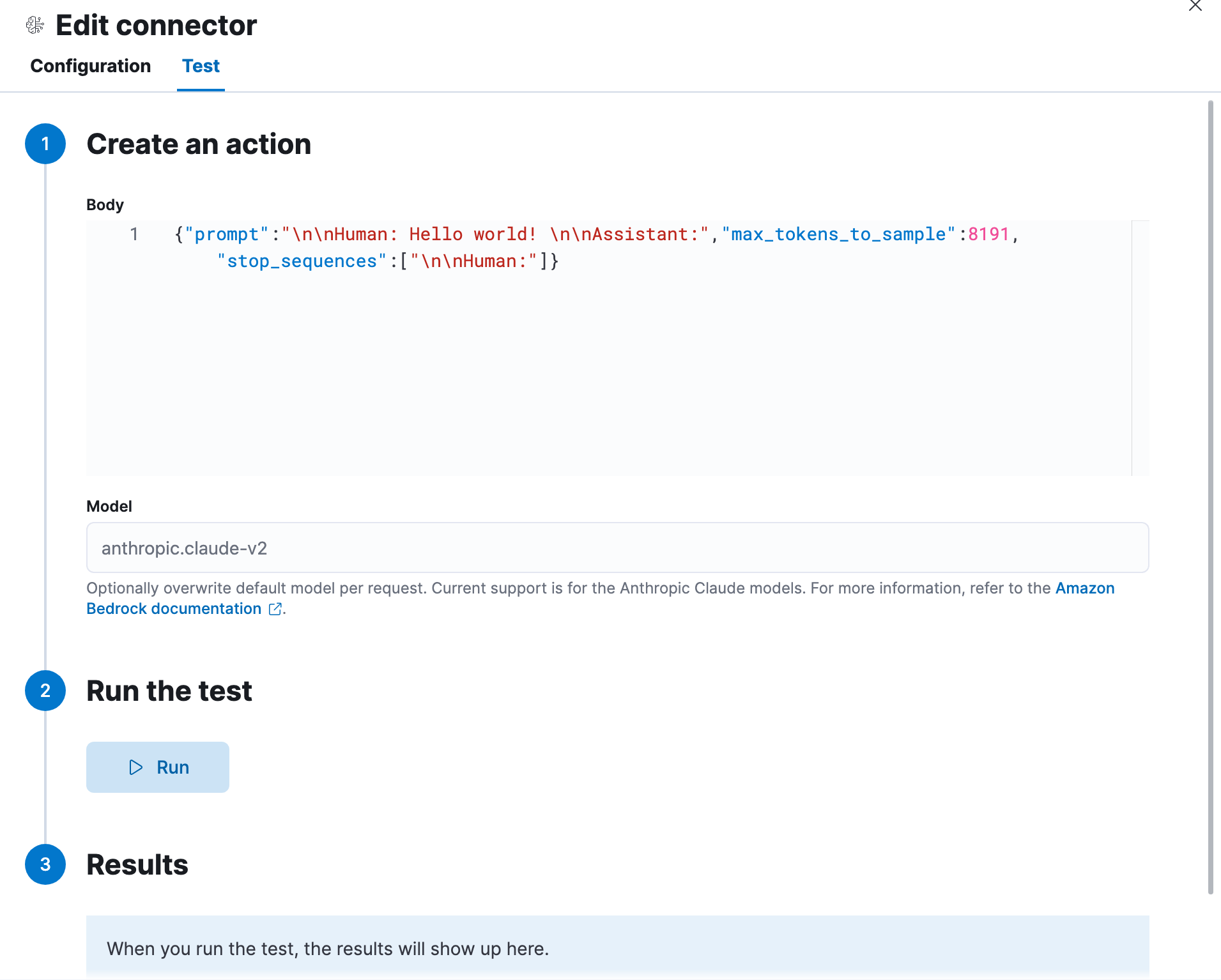
The Amazon Bedrock actions have the following configuration properties.
A stringified JSON payload sent to the Amazon Bedrock Invoke Model API URL. For example:
```text
{
body: JSON.stringify({
prompt: `${combinedMessages} \n\nAssistant:`,
max_tokens_to_sample: 300,
stop_sequences: ['\n\nHuman:']
})
}
```
An optional string that will overwrite the connector’s default model. For
## Connector networking configuration
Use the [Action configuration settings](/elastic/kibana/pull/280898/reference/configuration-reference/alerting-settings#action-settings) to customize connector networking configurations, such as proxies, certificates, or TLS settings. You can set configurations that apply to all your connectors or use `xpack.actions.customHostSettings` to set per-host configurations.