---
title: MCP connector and action
description: The Model Context Protocol (MCP) connector communicates with remote MCP servers to retrieve and call their tools. This connector is required to use external...
url: https://docs-v3-preview.elastic.dev/elastic/kibana/pull/280898/reference/connectors-kibana/mcp-action-type
products:
- Kibana
applies_to:
- Elastic Cloud Serverless: Preview
- Elastic Stack: Preview since 9.3
---
# MCP connector and action
The Model Context Protocol (MCP) connector communicates with remote [MCP](https://modelcontextprotocol.io/docs/getting-started/intro) servers to retrieve and call their tools. This connector is required to use external MCP tools in [Elastic Agent Builder](https://docs-v3-preview.elastic.dev/elastic/docs-content/tree/main/explore-analyze/ai-features/elastic-agent-builder).
## Create connectors in Kibana
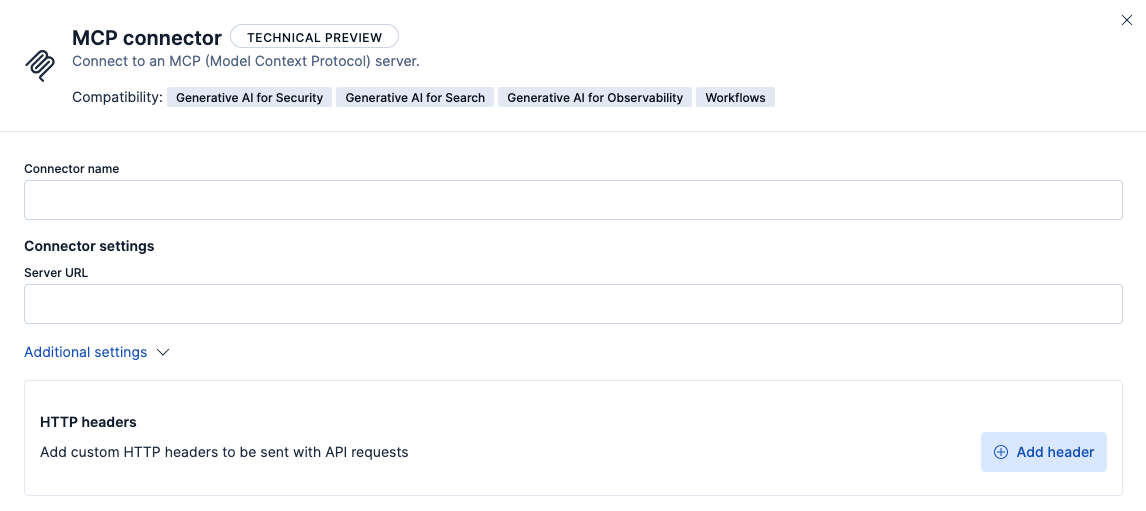
You can create an MCP connector in **Stack Management > Connectors**. For example:
### Connector configuration
MCP connectors have the following configuration properties:
The name of the connector.
The URL of the MCP server.
A custom set of HTTP headers that you can use to connect to an MCP server.
If you choose the config type, values in headers will be sent as plain text in requests.
If you choose the secret type, values in your headers will be encrypted in requests.
## Test connectors
You can test connectors as you’re creating or editing the connector in Kibana. For example:
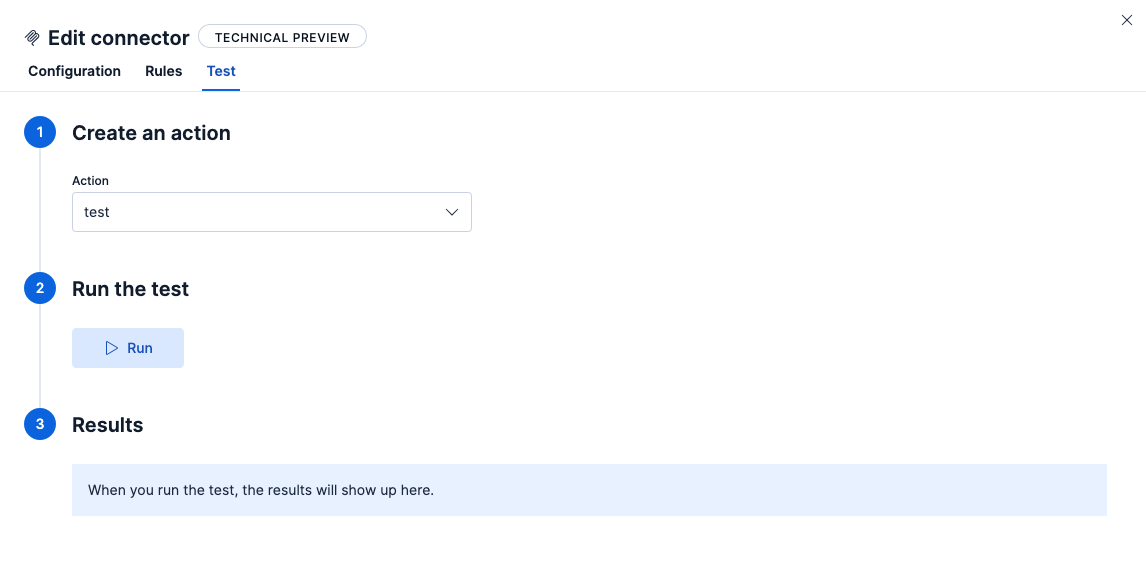
MCP connectors offer three actions:
Test the connection to the remote MCP server with any auth that was provided.
Call the MCP server's `listTools` endpoint. Returns a list of tools and their input and output schemas.
Call a specific MCP server tool.
Call `listTools` first to understand how to correctly call an MCP server's tools, before using the `callTool` action.