Cases in Kibana
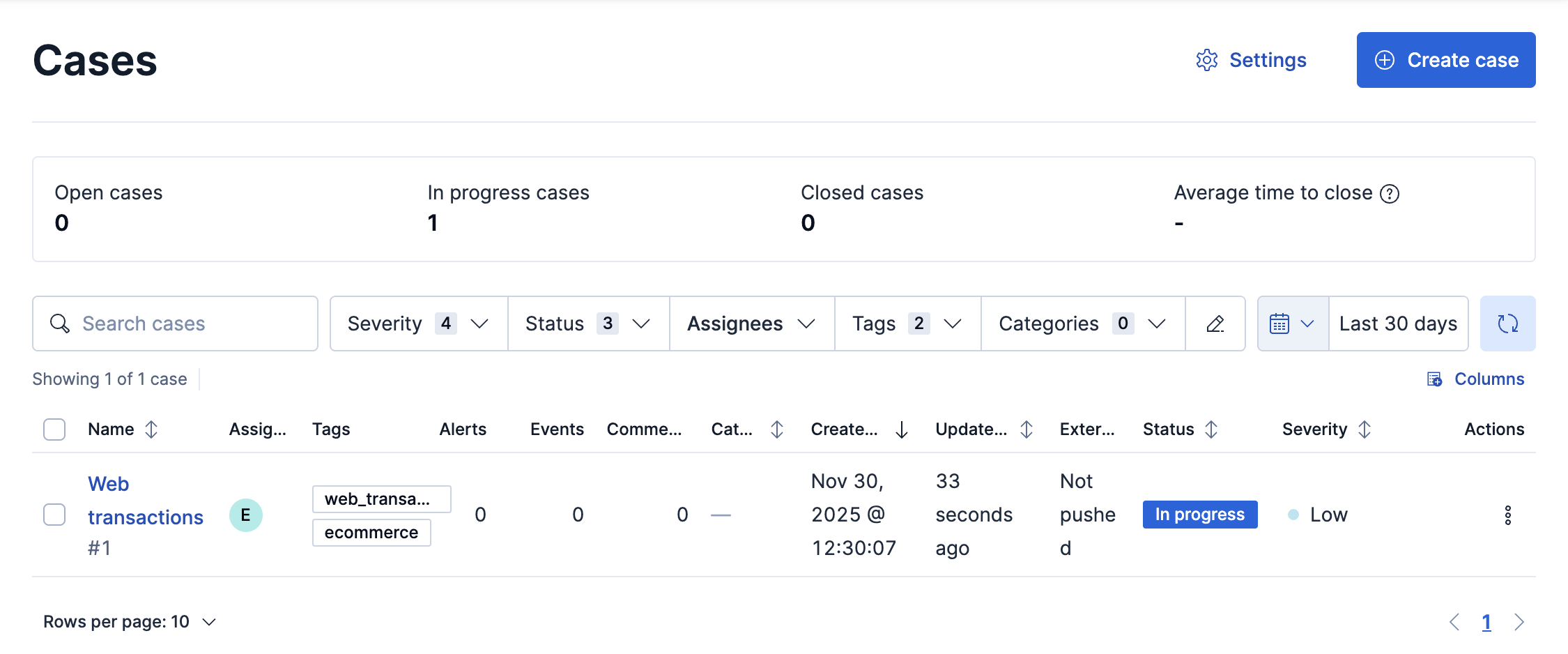
Cases are used to open and track issues directly in Kibana. You can add assignees and tags to your cases, set their severity and status, and add alerts, comments, and visualizations. You can create cases automatically when alerts occur or send cases to external incident management systems by configuring connectors.
If you create cases in the Observability or Elastic Security app, they are not visible in Stack Management. Likewise, the cases you create in Stack Management are not visible in the Observability or Elastic Security app. You also cannot attach alerts from the Observability or Elastic Security app to cases in Stack Management.
- If you create cases in Stack Management, they are not visible from Observability or the Elastic Security app. Likewise, the cases you create in Observability are not visible in Stack Management or Elastic Security.
- You cannot attach alerts from Observability or Elastic Security to cases in Stack Management.