Define reusable queries with ES|QL views
A view is a virtual index defined by an ES|QL query. You reference a view by name in the FROM command, just like an ordinary index. The query runs each time the view is referenced, so results always reflect the current state of the data.
A view has two components:
- Name: unique within the index namespace, used anywhere an index name is accepted in
FROM. - Definition: a complete ES|QL query that runs each time the view is referenced.
Here's how a view works in practice:
-
Start with a query
FROM addresses
| RENAME city.country.name AS country
| EVAL country = CASE(country == "United States of America", "United States", country)
| STATS count=COUNT() BY country
count:long country:keyword 1 Japan 1 Netherlands 1 United States -
Save it as a view
PUT /_query/view/country_addresses{ "query": """ FROM addresses | RENAME city.country.name AS country | EVAL country = CASE(country == "United States of America", "United States", country) | STATS count=COUNT() BY country """ } -
Reference it by name, just like an index
FROM country_addressescount:long country:keyword 1 Japan 1 Netherlands 1 United States
Views are a good fit when you want to:
- Reuse a named query. Wrap a frequently used ES|QL pipeline as a view and reference it by name, instead of repeating the same query in every request.
- Abstract common transformations. Centralize renames, type conversions, or derived fields so consumers see a consistent set of columns without needing to know the underlying source structure.
- Combine pre-processed data sources. Define one view per source, each with its own filters or aggregations, and query them together in a single
FROMclause. - Simplify queries for downstream tools. Dashboards, alerts, or ad-hoc analysts can query
FROM my_viewwithout needing to know the indices or processing commands behind it.
Use the REST API to create, update, delete, and list views:
Use views as if they were ordinary indices:
FROM index_pattern
Where index_pattern is a comma-separated list of index or view names, including
wildcards and date-math.
The following examples show how to use views within the FROM command.
Assume we've defined three views in a similar way to the example above, each counting the number of documents that reference a particular country, but from three different source indices:
country_airports- reports counts of documents per country from ourairportsindexcountry_addresses- reports counts of documents per country from ouraddressesindexcountry_languages- reports counts of documents per country from ourlanguagesindex
Now we can query these together with a query like:
FROM country_addresses, country_airports, country_languages
| WHERE country LIKE "United*"
| SORT country ASC, count DESC
| count:long | country:keyword |
|---|---|
| 17 | United Kingdom |
| 1 | United Kingdom |
| 129 | United States |
| 1 | United States |
| 1 | United States |
The same country might appear in multiple views, producing multiple rows.
We could combine these with a STATS command, using SUM(count) BY country.
FROM country_*
| STATS count=SUM(count) BY country
| WHERE count > 11
| SORT count DESC, country ASC
| count:long | country:keyword |
|---|---|
| 131 | United States |
| 50 | India |
| 45 | Mexico |
| 41 | China |
| 38 | Canada |
| 31 | Brazil |
| 26 | Russia |
| 18 | United Kingdom |
| 17 | Australia |
| 13 | Argentina |
| 13 | Germany |
| 12 | France |
| 12 | Indonesia |
Note how we used SUM to combine the counts of the three previously aggregated count columns.
We can define views with complex queries, including commands like LOOKUP JOIN:
				PUT /_query/view/airports_mp_filtered
					{
    "query": """
        FROM airports
        | RENAME abbrev AS code
        | LOOKUP JOIN airports_mp ON abbrev == code
        | WHERE abbrev IS NOT NULL
        | DROP code
       """
}
This creates a view called airports_mp_filtered that contains all rows from the airports index that also have a matching abbrev inside the airports_mp index.
This is effectively a subset of the airports index.
We could, for example, see how many airports are defined only in airports versus how many are defined in the view, by combining both a view and an index in the same FROM command:
FROM airports_mp_filtered, airports
| STATS duplications=COUNT() BY abbrev
| STATS count=COUNT() BY duplications
| SORT count DESC
| count:long | duplications:long |
|---|---|
| 880 | 1 |
| 7 | 2 |
| 1 | 3 |
The METADATA directive is supported both inside and outside a view, and
follows the same rules as observed for METADATA in subqueries.
Inside the view it generates columns, just like other fields, and these can be used for filtering and as output columns.
Outside the view it generates null values.
Note that this is a known limitation of the current tech-preview, and is anticipated to be addressed in a future update,
at which point METADATA _index will contain the name of the view.
Views behave like inline subqueries at execution time and when you start combining multiple views, it helps to know how nesting works and where the limits are.
When a query references one or more views, each view's definition query executes independently at query time, in parallel where possible. This is the same execution model used by FROM subqueries and FORK.
Results from all sources (indices, views, subqueries) are unioned into a single result set. Duplicate rows are preserved. Columns that exist in one source but not another are filled with null.
A view definition can reference another view. This is called a nested view. ES|QL allows nesting to a depth of 10.
When multiple views are referenced within the same index pattern, each view executes independently (in parallel if possible), similar to subqueries and FORK. Views, subqueries, and FORK share a maximum branch count of 8. For example, a single index pattern could reference four views and four subqueries, but adding one more would exceed the limit and the query will fail.
Branching and nesting are allowed in combination as long as there is never more than one branch point. This means nested branching has restrictions:
- A view can contain subqueries, but that view cannot be used together with other views, and the subqueries can only reference nested views that contain no further branching.
- A subquery can contain views, but those views must not introduce any additional branch points via subqueries or
FORK.
When a view definition itself contains branches (subqueries or references to other views), those inner branches would normally create a second level of branching, which ES|QL does not allow. Query compaction solves this by flattening the inner branches into the outer branch set, producing a single-level plan.
The following example shows how compaction works. Two views are each defined as a pair of subqueries:
				PUT /_query/view/view_x
					{
    "query": """
        FROM (
            FROM app-events-* | KEEP msg, level
        ), (
            FROM auth-events-* | KEEP msg, level
        )
       """
}
				PUT /_query/view/view_y
					{
    "query": """
        FROM (
            FROM nginx-events-* | KEEP msg, level
        ), (
            FROM apache-events-* | KEEP msg, level
        )
       """
}
A query references both views alongside a regular index:
FROM other-events, view_x, view_y
| STATS count(msg) BY level
Without compaction, this would create two levels of branching. Three outer branches exist, and two of them branch again inside their view definitions:
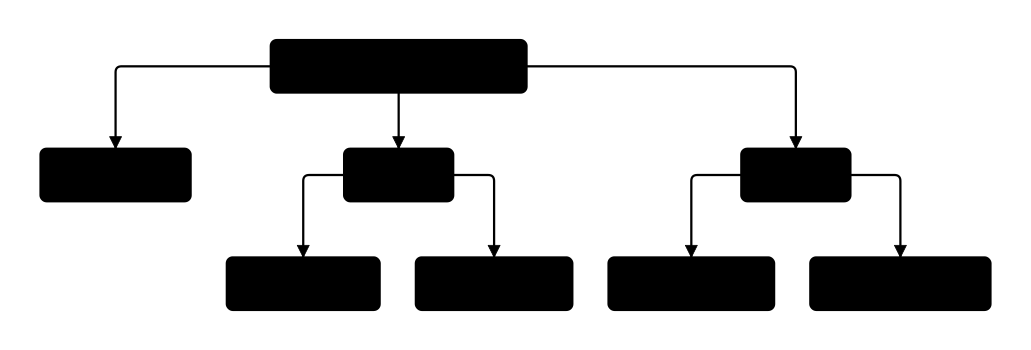
Compaction flattens the inner view branches into the outer branch set, producing a single-level plan with five branches:
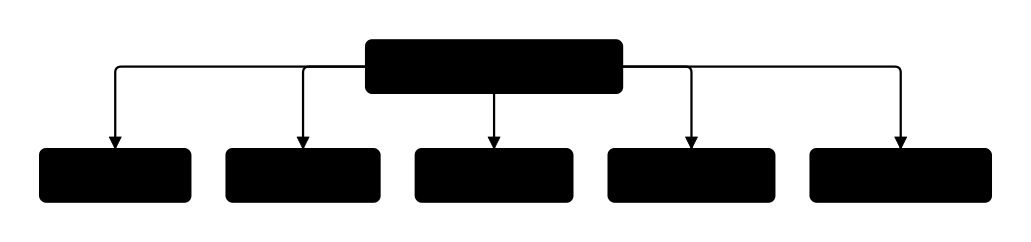
Compaction does not apply if the view definition contains any processing commands after its subqueries. Those commands need to run on the combined branch output, so the branch level cannot be collapsed and the query will fail.
ES|QL views have the following limitations:
Commands that also generate branched query plans
(FORK, subqueries)
are usually not allowed within a view definition, unless the branch points
can be merged via
query compaction.
Views may be nested up to depth 10. Branching and nesting are allowed in combination as long as there is never more than one branch point:
- A view can contain subqueries, but that view cannot be used together with other views, and the subqueries can only reference nested views that contain no further branching.
- A subquery can contain views, but those views must not introduce any
additional branch points via subqueries or
FORK.
Views are supported in Cross-cluster search with some limitations:
- Remote views in CCS are not allowed (ie.
FROM cluster:viewwill only match remote indexes with the nameview. If a remote view is found, the query will fail). - If a remote index matches a local view name, the query will fail.
Views are available in serverless and Cross-project search, but with some limitations:
- You can define views in both origin and linked projects.
- CPS resolves index expressions against both indices and views in every project that the expression targets. CPS uses the same process for index expressions in the top-level query and inside view definitions.
- An unqualified index expression can match a view in the origin project and indices in linked projects. CPS returns results from both. However, the query fails if the expression also matches a view in a linked project, because CPS cannot query views in linked projects.
Query parameters are not allowed in the view definition, and therefore query parameters in the main query will never impact the view results.
Views are in tech-preview and there are a number of known issues, or behavior that is likely to change in the future:
- Query DSL filtering on the main query will currently affect the source
indices in the view definition, and this will change in later releases.
- The future design will have the query filtering impact the output of the view, not the source indices.
METADATAdirectives inside and outside a view definition behave the same as they do forMETADATAin subqueries. This will change for views.
For a detailed comparison of views, subqueries, and FORK, refer to Combine and reuse ES|QL queries.
- ES|QL subqueries: nest queries inside other queries, either in
FROMorWHERE. FROMcommand: full reference for index expressions, where view names are used.- Query multiple indices: how index patterns, wildcards, and date math combine sources in a single
FROM.