Find apps and objects
To quickly find apps and the objects you create, use the search field in the global header. Search suggestions include deep links into applications, allowing you to directly navigate to the views you need most.
Tip
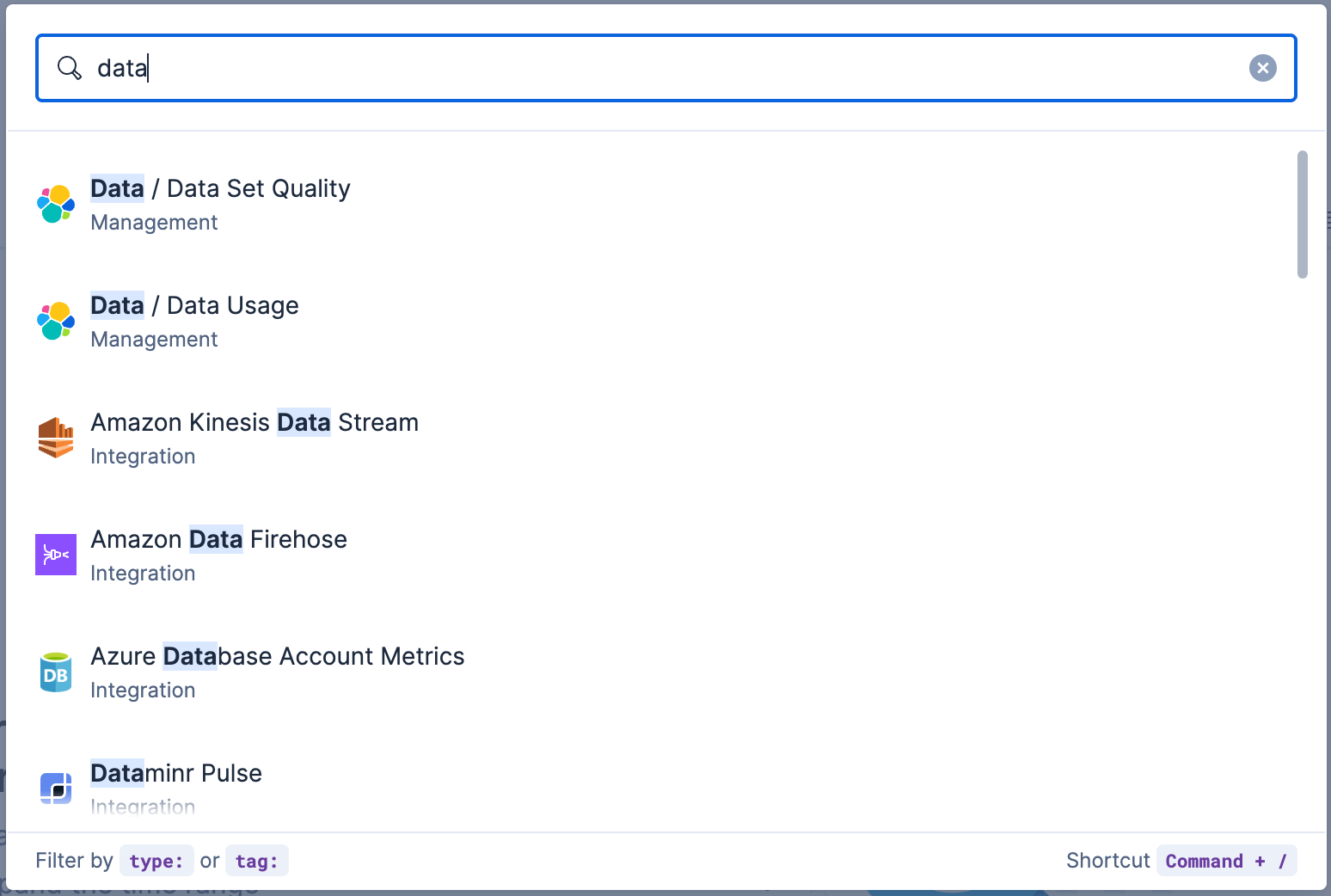
You can search for objects by type, name, and tag. To get the most from the search feature, follow these tips:
Use the keyboard shortcut to open the search field at any time: Ctrl+/ on Windows and Linux, or Command+/ on macOS.
Use the provided syntax keywords.
Search by type type:dashboard
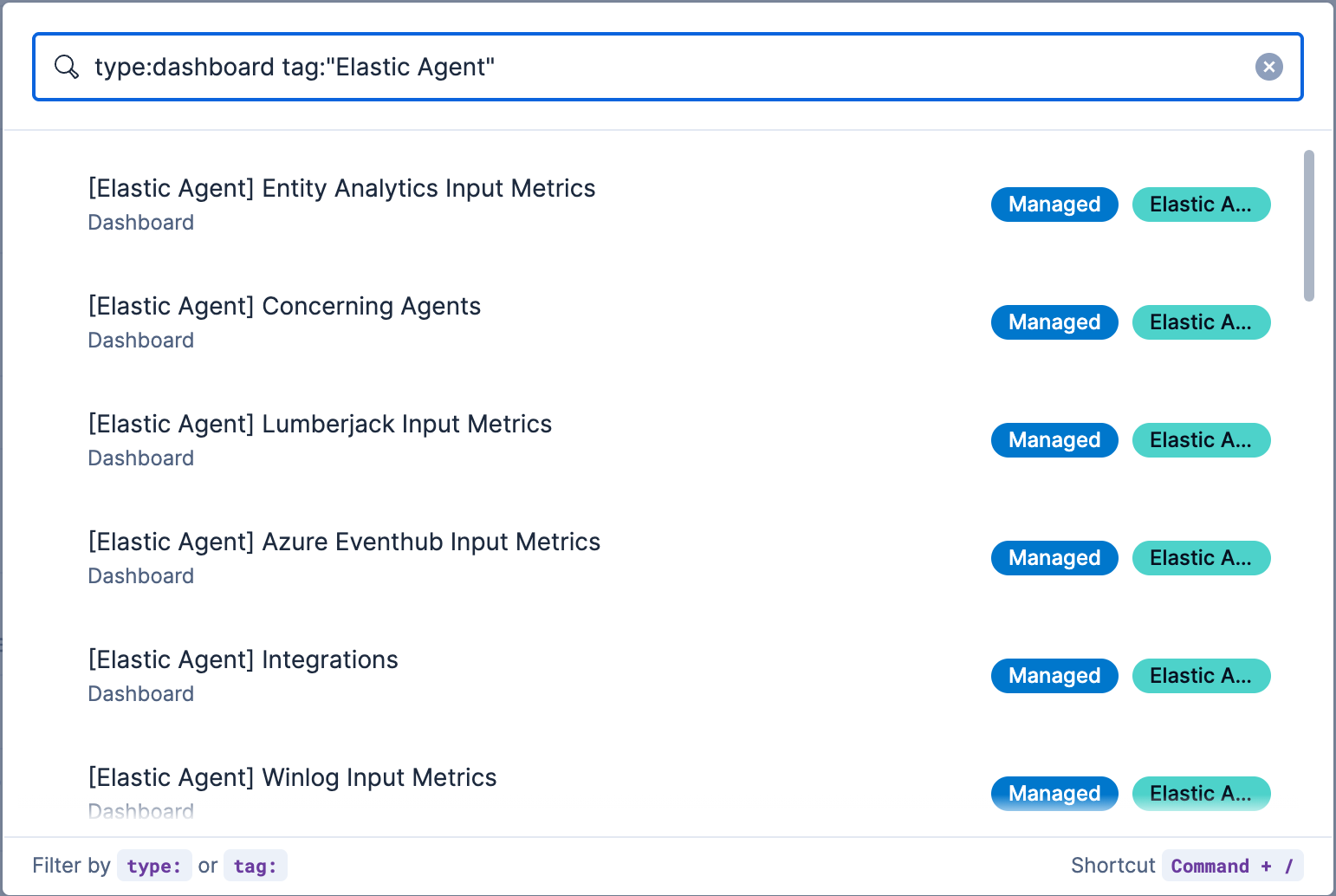
Available types:application,canvas-workpad,dashboard,data-view,lens,maps,query,search,visualizationSearch by tag tag:mytagnametag:"tag name with spaces"Search by type and name type:dashboard my_dashboard_titleAdvanced searches tag:(tagname1 or tagname2) my_dashboard_titletype:lens tag:(tagname1 or tagname2)type:(dashboard or canvas-workpad) logs
This example searches for dashboards with the tag Elastic Agent.