Event settings
AutoOps events are triggered when specific conditions are met and are closed when those conditions are no longer satisfied. An event can be triggered by multiple conditions, and each event comes with a default setting that can be adjusted differently for each connected deployment.
Only Organization owners can configure these settings.
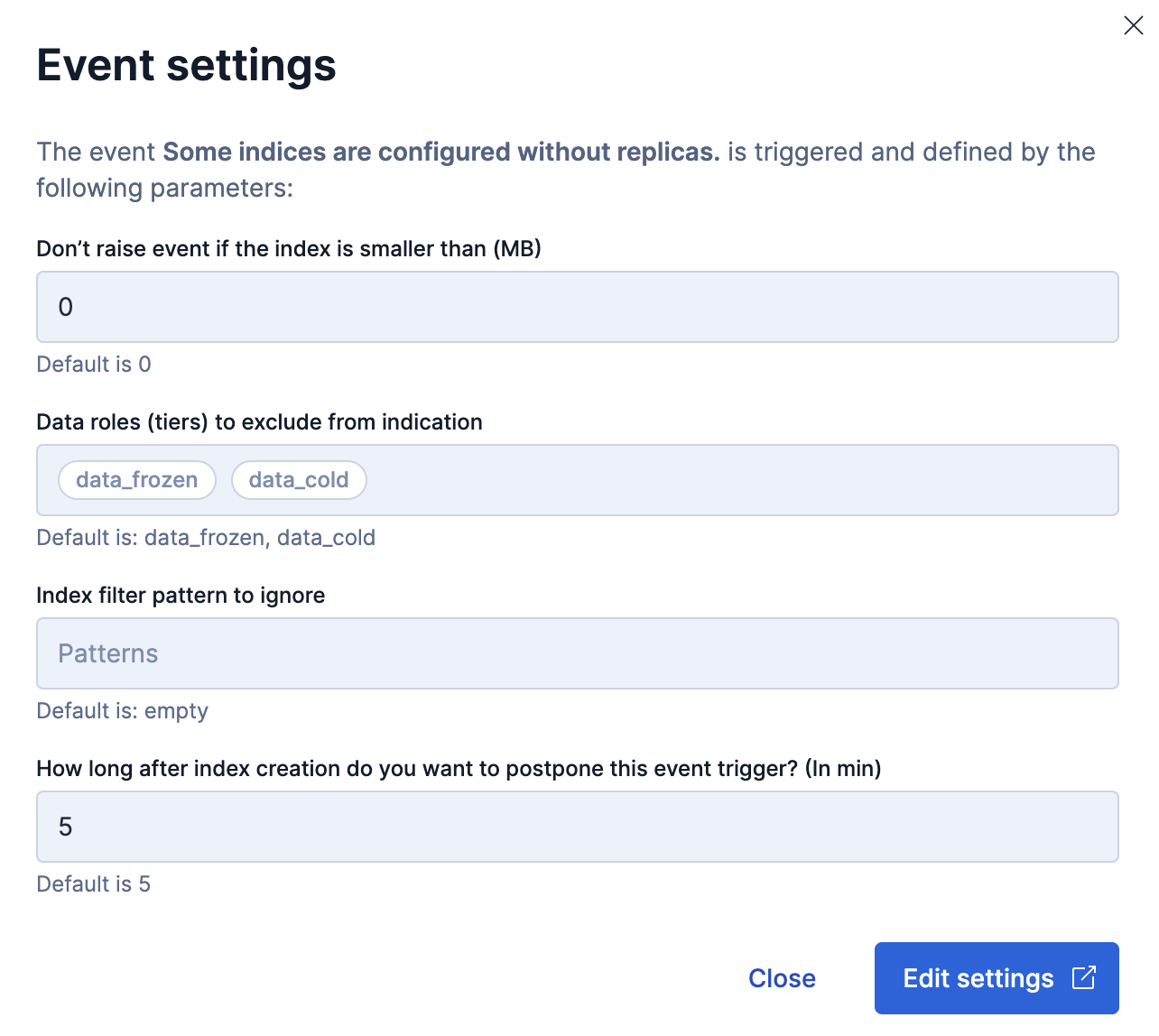
To view an event's settings, select an event on the Deployment or Cluster page and choose Settings from its actions menu. Not all events have customizable settings.
Depending on the event, settings can include:
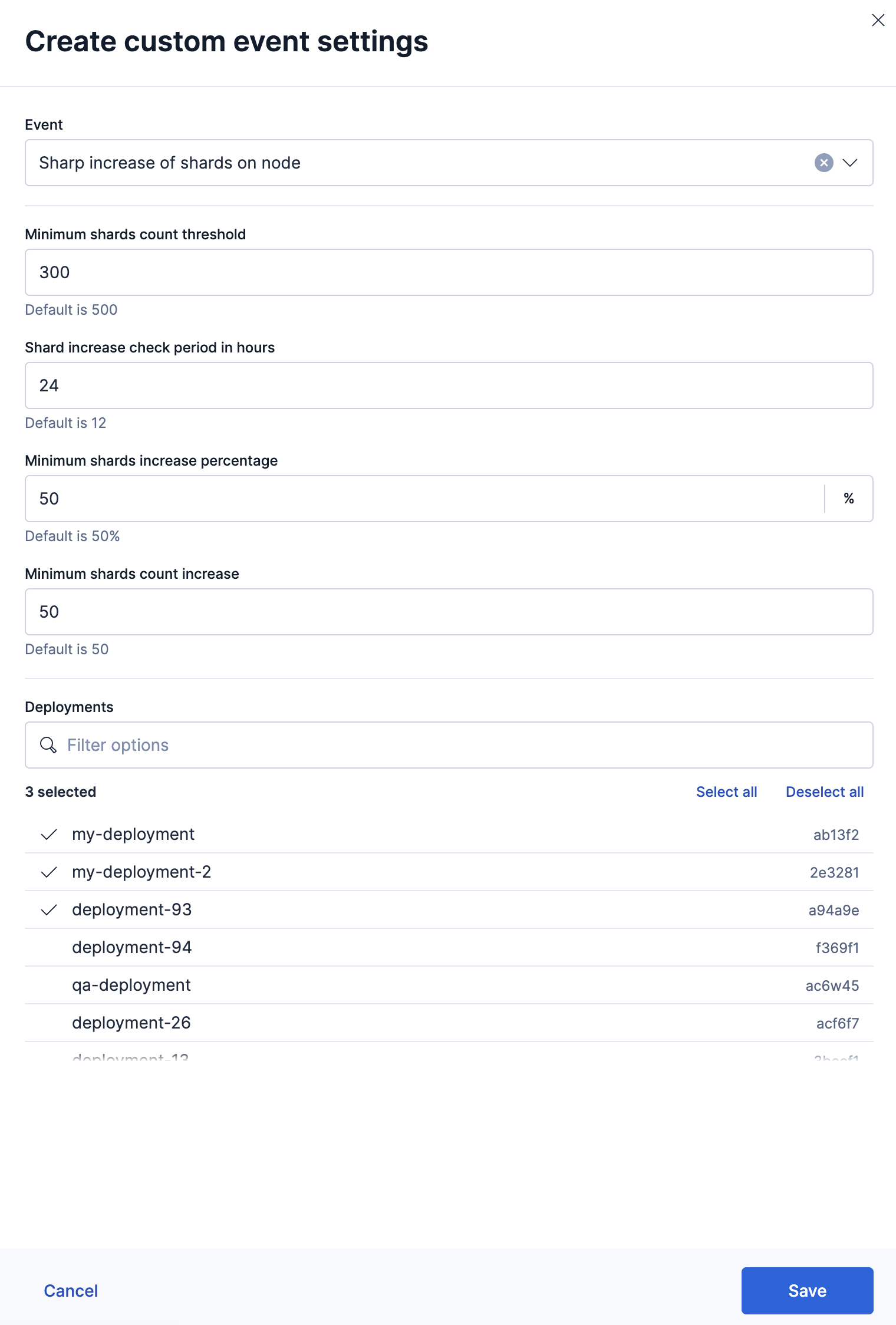
- Event trigger threshold: A list of parameters explicitly set for an event. Default settings can be adjusted to meet operational and business needs. You can apply different settings to some or all deployments.
- Data roles (tiers) to exclude from indication: Add a threshold based on the type of data tier.
- Index filter patterns to ignore: AutoOps will ignore selected indices to prevent unnecessary events from opening. You can add or remove indices from the list.
The Events settings report provides a list of all the events for which settings have been customized.
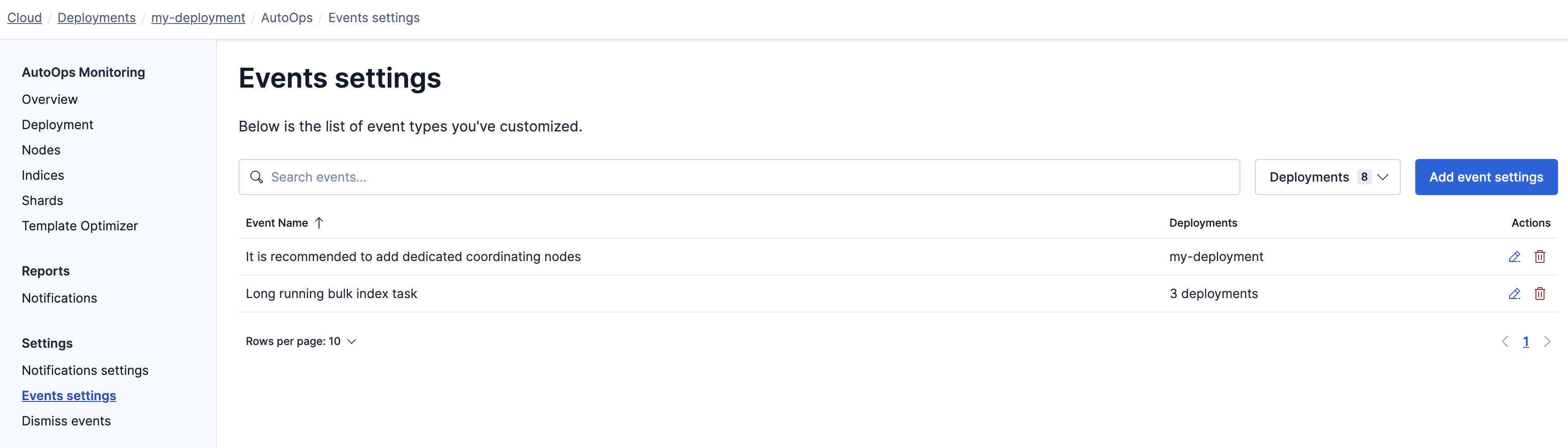
On the Events settings page, click Add event settings to add new settings, or select the edit icon to modify existing settings.